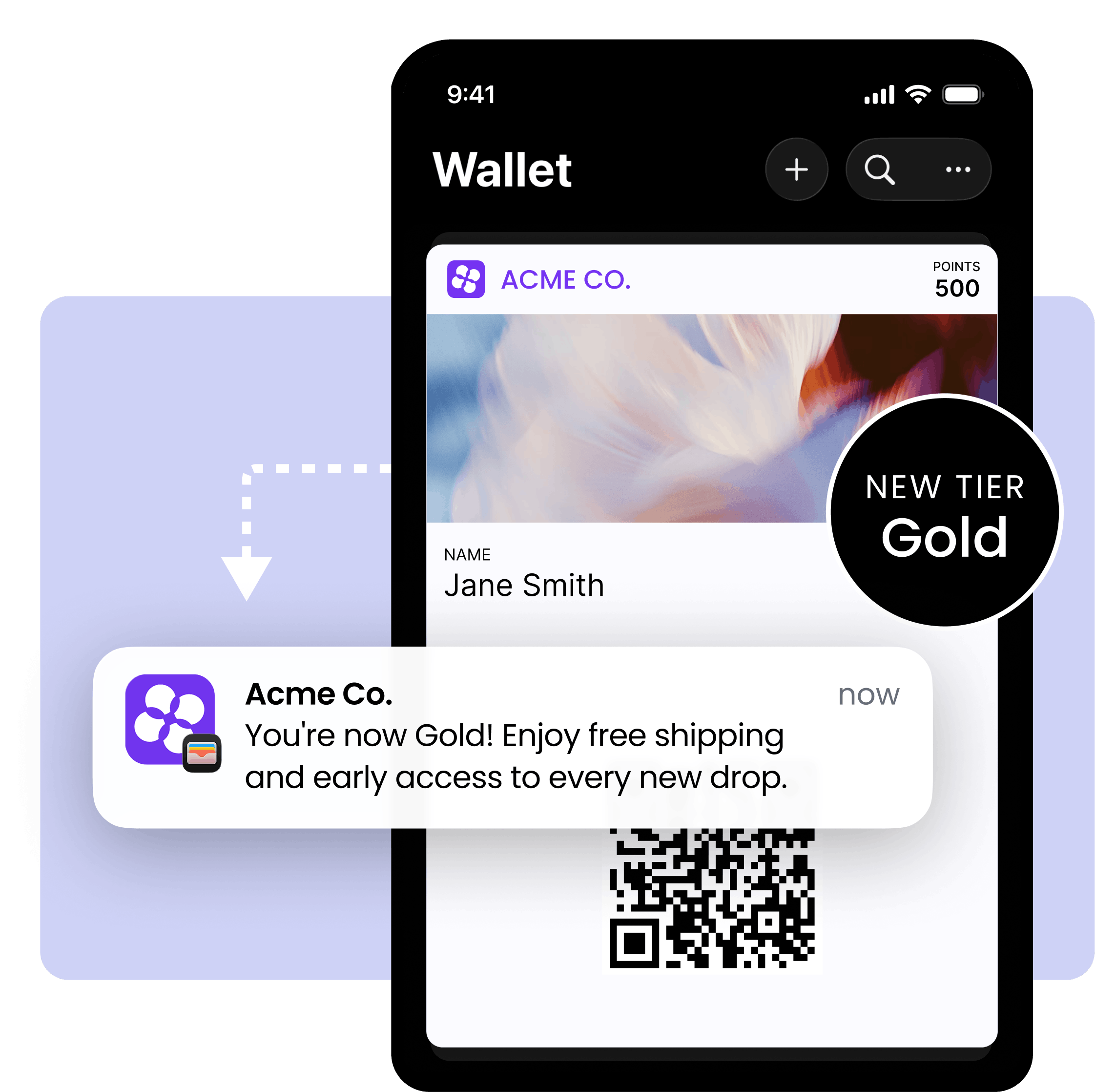
Increase engagement, redemption and footfall with a loyalty pass that’s never left at home or buried in an inbox.
Book a demo62% of consumers surveyed by LoyaltyLion say adding a loyalty program to their digital wallet is important
78% of Gen Z won’t shop at stores where they can’t use a digital wallet – 51% of all consumers feel the same
The average open rate for wallet push notifications is 90% – higher than email or SMS
Once a customer installs your Loyalty Pass, your program goes with them everywhere they shop.
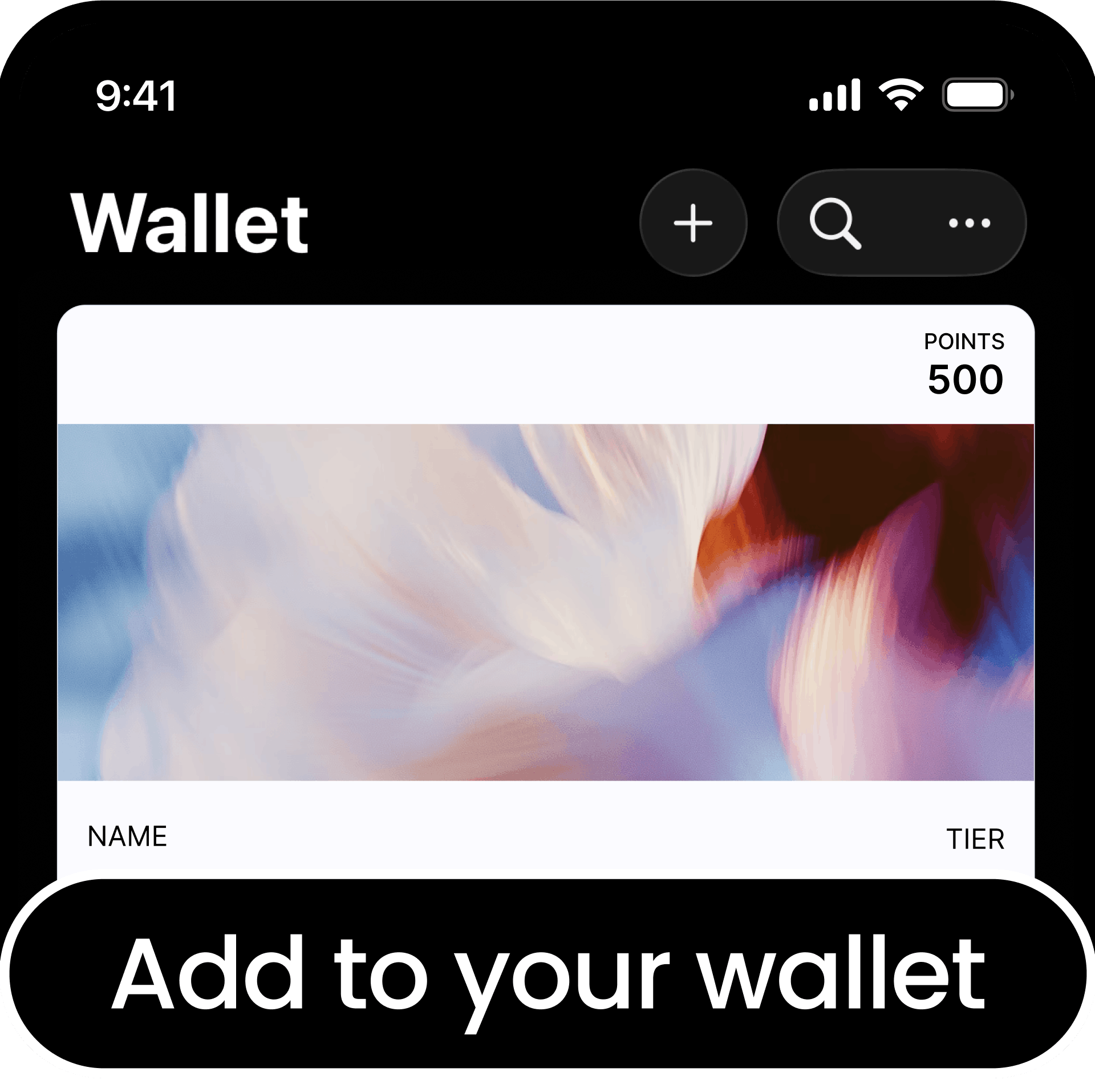
Customers add your branded loyalty pass to Apple or Google Wallet directly from your post-purchase page, or a link in your email or SMS campaigns. One tap. No app download required.
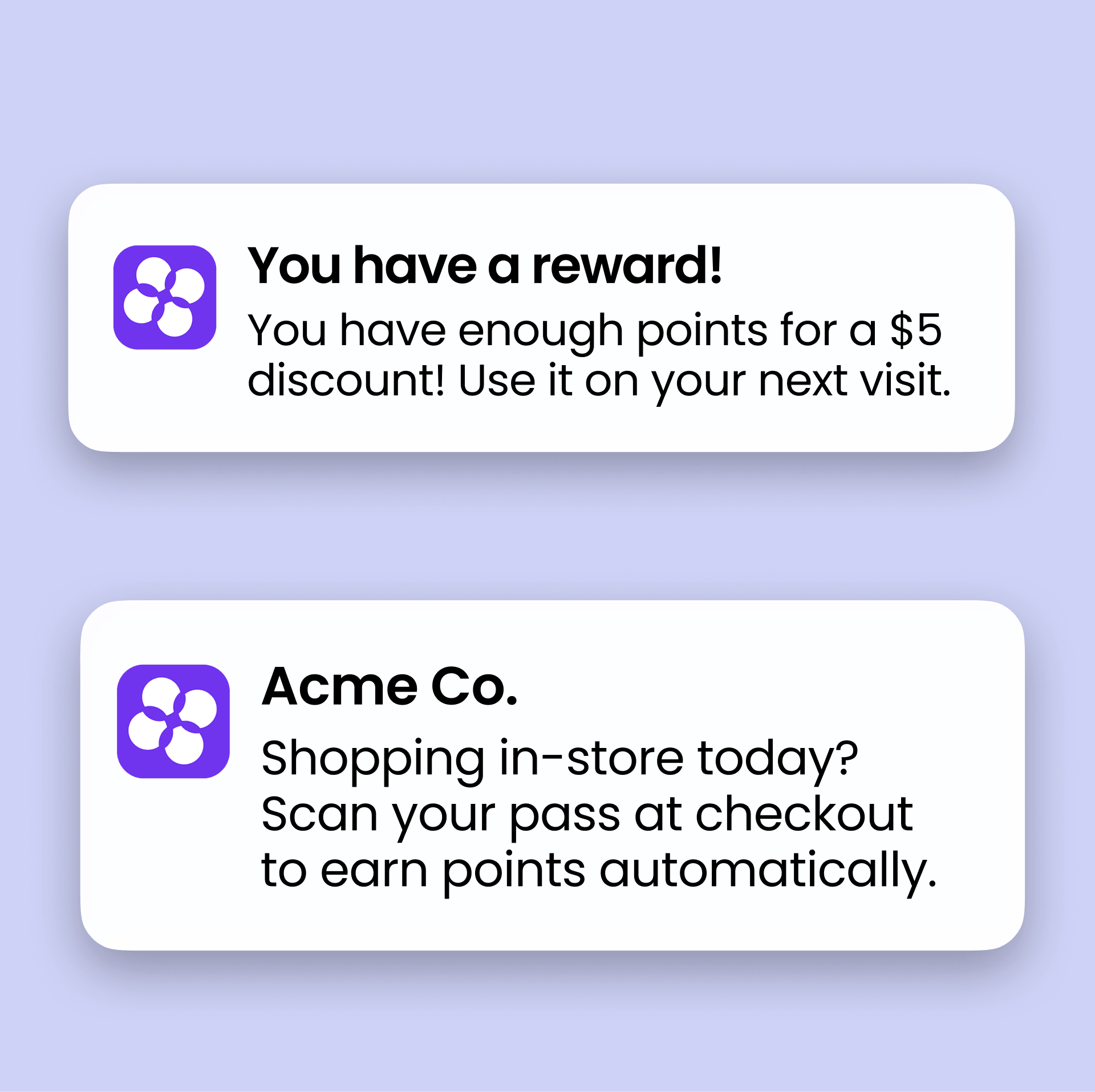
Points, tier status and rewards update automatically on the pass. When a customer earns a reward or is about to lose points, a push notification lands directly on their lock screen. Geolocation notifications nudge them to come in-store when they’re nearby.
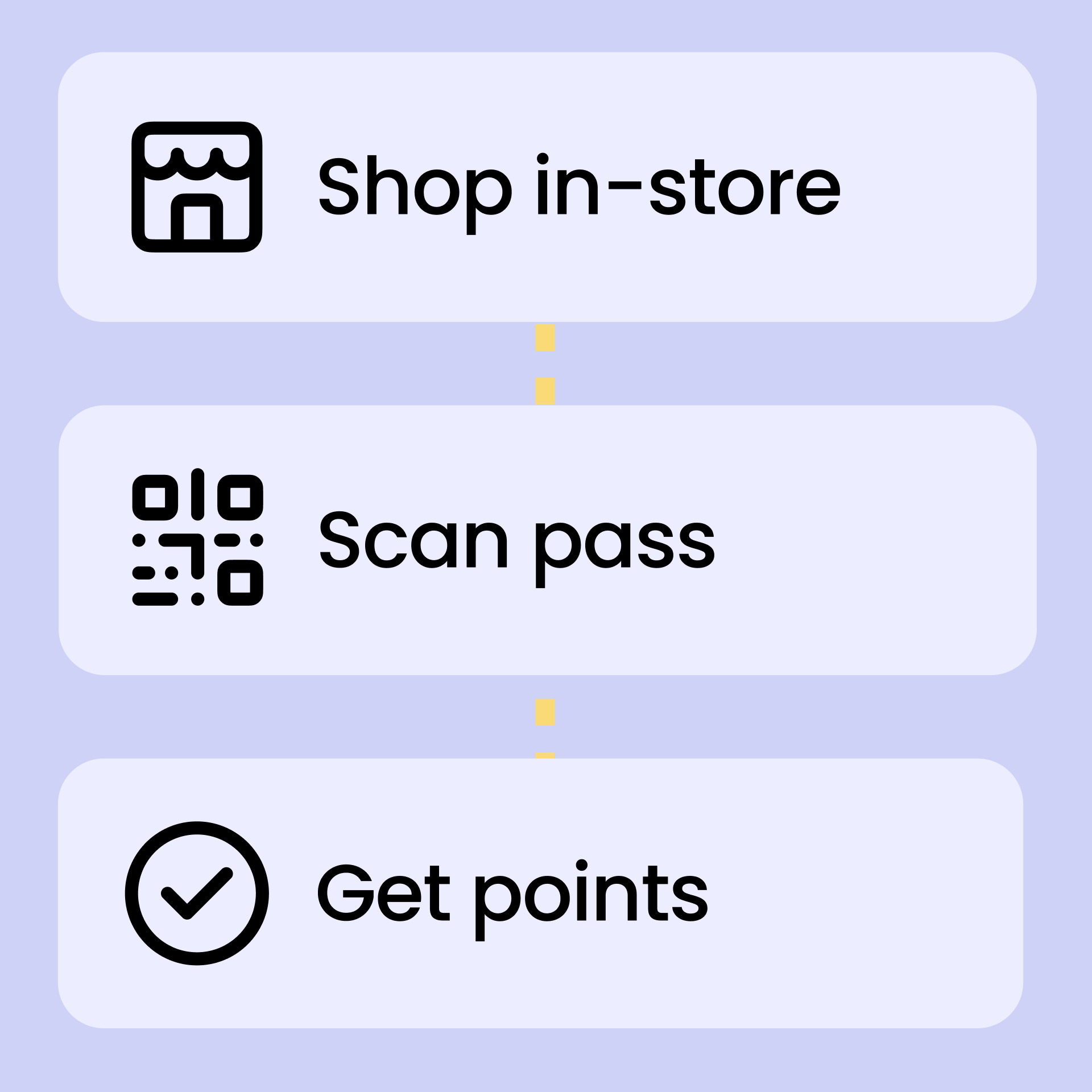
In-store, customers show the QR code on their pass. Your staff scan it to pull up their points balance, tier status, and available rewards in seconds.
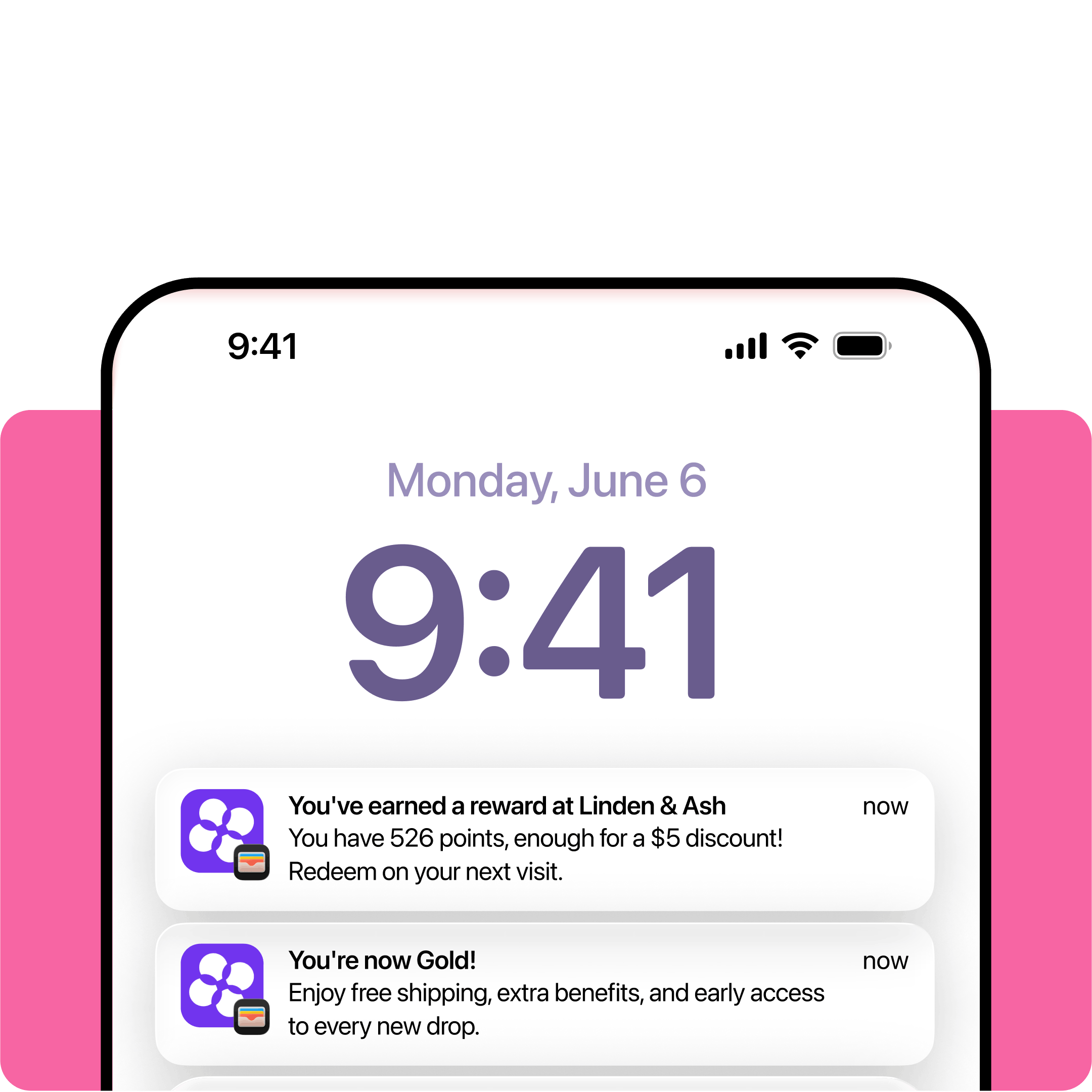
Loyalty Pass push notifications are triggered when it matters most. No manual sends that get lost in the inbox. Just automated messages that land on the lock screen and drive footfall.
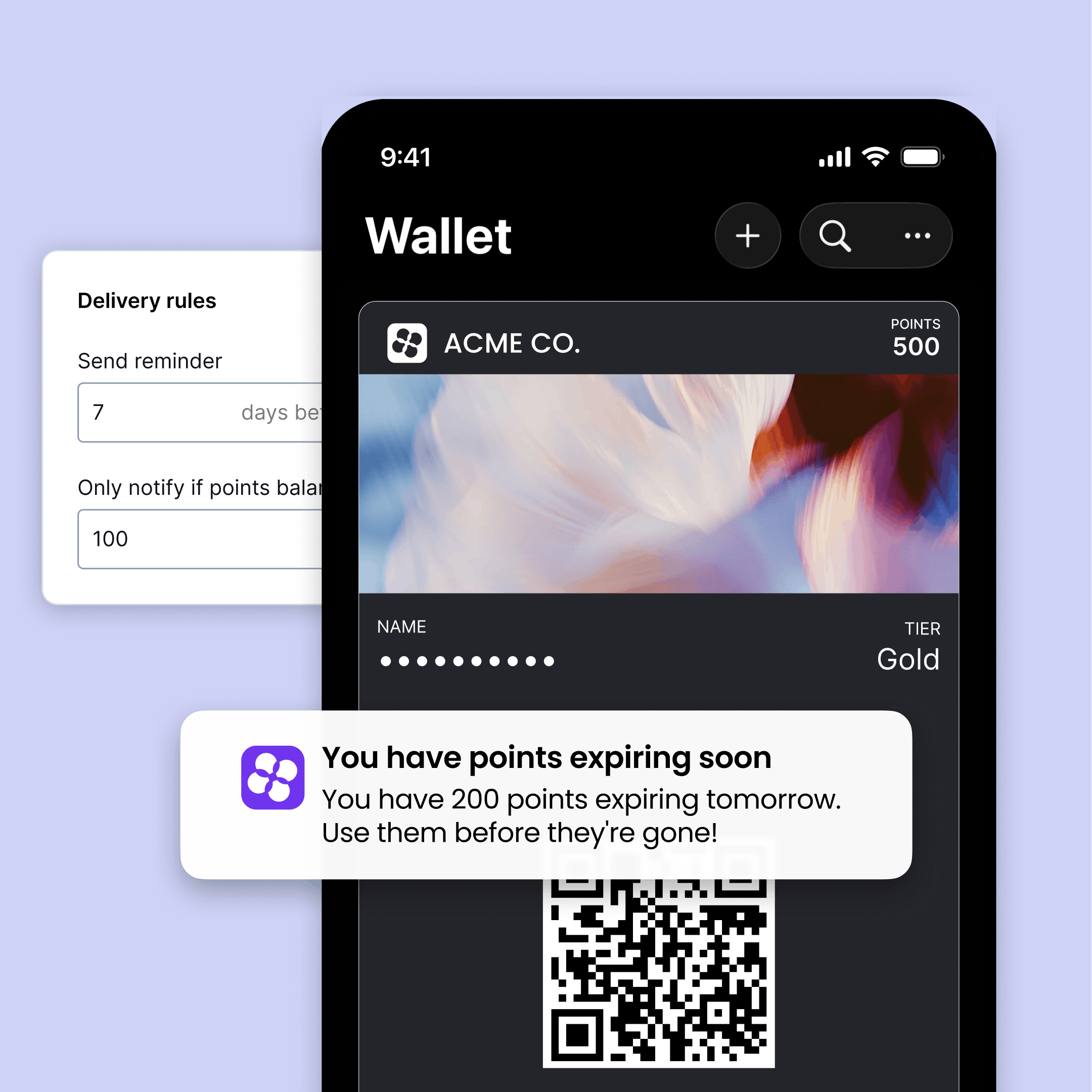
Loyalty Pass bridges the gap between digital and physical shopping experiences.
The loyalty pass is really convenient and it was great how the points were already loaded. Super easy to use – I really liked it!
Phoebe Bainsfair
Senior Customer Success Manager, Shopify
Does the Loyalty Pass work on all mobile devices?
Yes. Wallet passes are supported on iPhones via Apple Wallet and on Android devices via Google Wallet. The system automatically detects the customer’s device and delivers the appropriate pass format.
How do customers add a wallet pass?
Customers can add a wallet pass through a personalized link, Add to Wallet button, or by scanning a unique QR code. The pass is securely linked to their loyalty account and updates automatically once added.
Does LoyaltyLion integrate with other wallet platforms?
Yes, LoyaltyLion integrates with Jeri Commerce and Novel.
Are wallets only useful for retail brands?
No. Ecommerce brands benefit from wallet visibility, easy program access and push notifications, while retail brands can add in-store scanning and POS activation.
How often do wallet passes update?
Wallet passes update automatically when customers earn or redeem points, change tiers, or when you trigger notifications. Updates typically appear within minutes of activity.
Is loyalty data secure in a Wallet Pass?
Yes. Wallet passes display relevant loyalty information but do not expose sensitive account credentials. Data syncs securely through the integration.
Can customers disable notifications?
Yes. Customers can manage wallet notifications through their device settings or remove the wallet pass at any time.
Can I customize the pass design?
Yes. You design the pass directly in the LoyaltyLion admin — adding your logo, brand colors, and choosing which fields are displayed, including points balance, tier name, claimed rewards, and the QR identifier.
What plans is Loyalty Pass available on?
Loyalty Pass is a paid add-on, available on Classic, Advanced, and Plus plans. Pricing is based on the number of active pass installs, not your plan or order volume. Reach out to your Account Manager or our Support team to get started.
Start meeting your customers wherever they are with Loyalty Pass from LoyaltyLion.
Book a demo







© Copyright 2026. All rights reserved.
