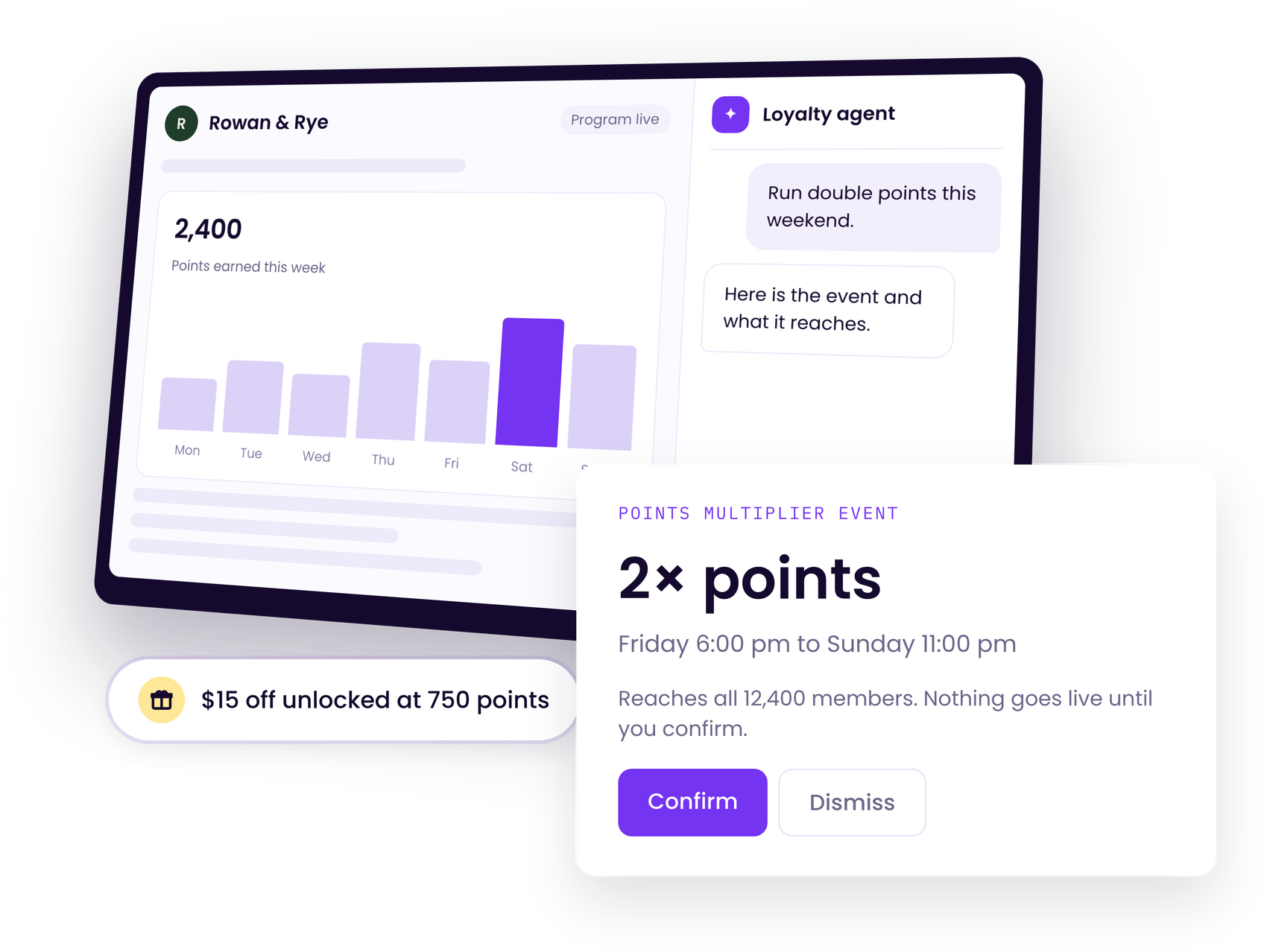
Our Loyalty Agent is always on-hand to help you drive more revenue from your loyalty program, whether that's as a day-to-day helper completing loyalty tasks, or a retention strategist analyzing performance and making recommendations.
Book a demoAsk plain language questions and get quick answers on how to unlock more impact.
From points values to rule changes, tell the Agent what you want to alter, review the changes then confirm.
Tell the Agent what you want to change on your loyalty page. Give any feedback and then publish.
Let the Agent review your live program data and recommend changes that will drive more revenue.
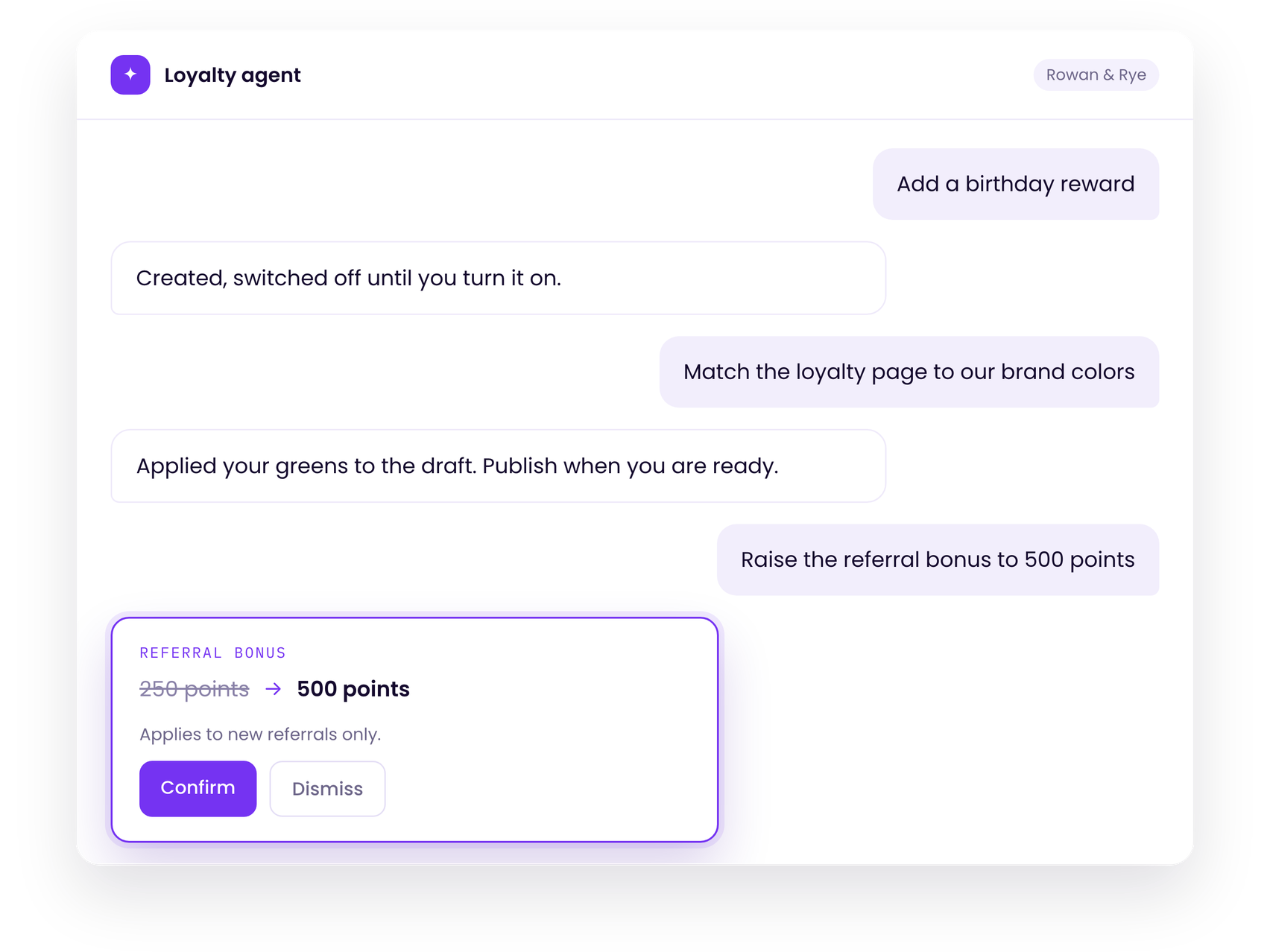
No more putting off program changes or loyalty page updates.
Use the Loyalty Agent to quickly and easily optimize your program setup, and even adjust the look and feel of your loyalty page on the spot.
The Agent answers your questions, reviews your data, and suggests tweaks that can be made without raising a ticket or waiting for support.
No changes go live without your confirmation.
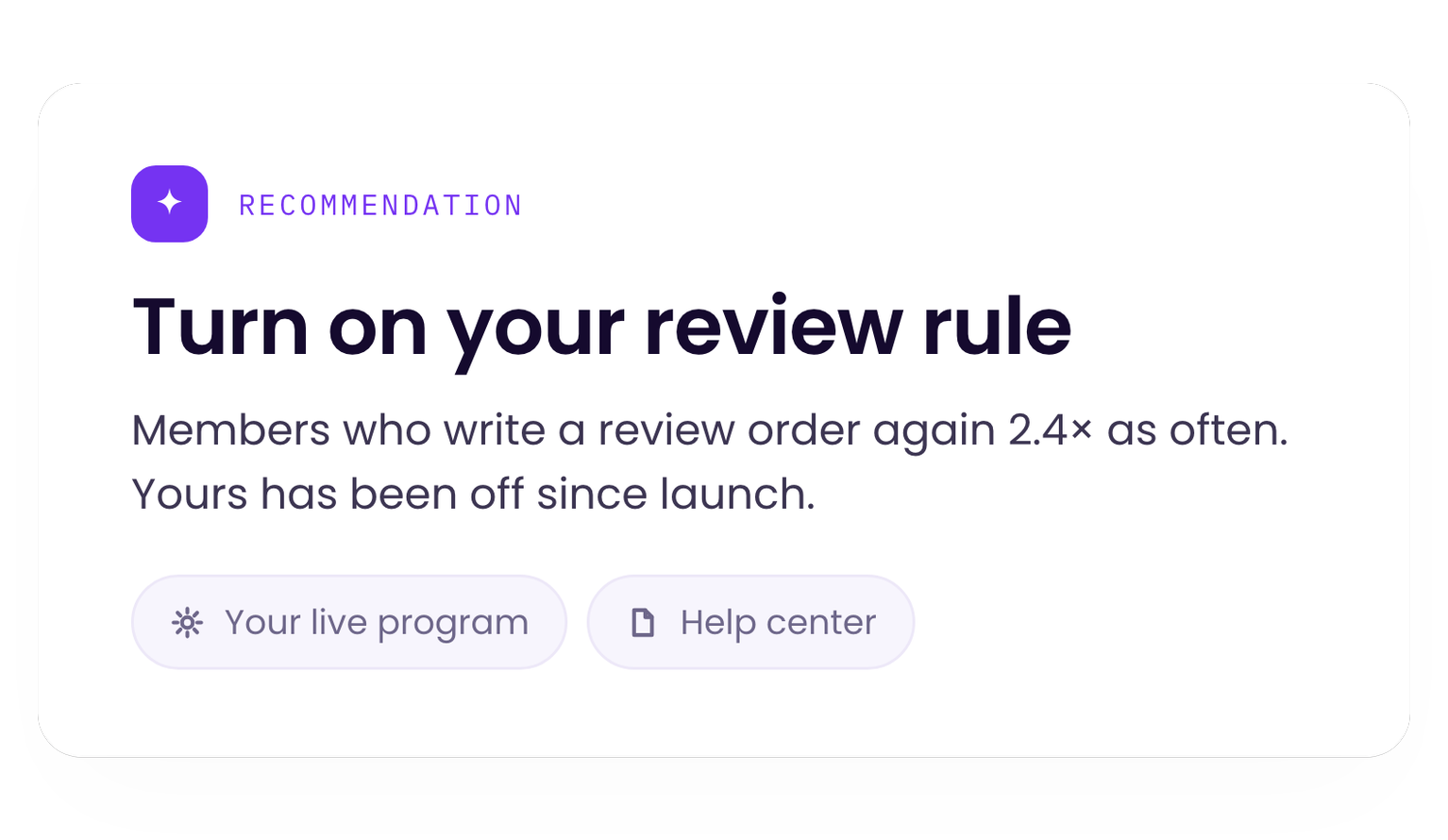
Want to know which levers to pull to drive more growth via your loyatly program?
Tell the Loyalty Agent your business goals and challenges, and it will share expert recommendations on what features to set up, what promotions to run and much more.
The Agent uses a combination of your program data and LoyaltyLion benchmarks to recommend the actions that will create the biggest impact.
How does the Loyalty Agent work?
It's an AI agent that appears natively within LoyaltyLion. The agent comprises two elements - the Theme Editor agent that helps you build and style your program, and the Program Configuration agent that answers questions about your program and helps you make changes.
Can the agent make changes to my program without my knowledge or consent?
No. The Loyalty agent cannot write anything to your live program itself. You will always have to click Confirm for a change or recommendation to be published. All changes will appear in the Audit Log.
Is my customer data secure when using the Loyalty Agent?
Absolutely. The Loyalty Agent can only look at customer records if the person using the AI has permission to view them. Every viewing is logged just as a manual record opening would be. The Agent is also given the minimal data needed for each question. Customer records have identifiers removed so personal data is never included.
How do I know the recommendations are correct and relevant?
All recommendations from the Loyalty Agent are grounded in your live program configuration and the LoyaltyLion help center and developer documentation. It's also humble - if it's not sure about something it will tell you rather than taking a guess.
What plan is the Loyalty Agent available on?
The Loyalty Agent is available on all paid LoyaltyLion plans.
Start driving more revenue impact and business growth from your most loyal customers with the Loyalty Agent.







© Copyright 2026. All rights reserved.
